On-Page SEO Mistakes to Avoid in 2026
The most common on-page SEO mistakes that kill rankings — and how to fix each one. Updated for 2026 with Google's Helpful Content and E-E-A-T standards.

Most on-page SEO problems are not mysterious. The same mistakes appear across site after site — thin content, mismatched search intent, missing internal links, ignored Core Web Vitals. They're predictable, which means they're fixable.
What makes these mistakes particularly damaging is that they compound. A page with weak on-page signals attracts less traffic, receives fewer behavioral engagement signals, and loses ground to competitors continuously. The longer these issues go unaddressed, the harder they are to reverse.
This guide covers the most common on-page SEO mistakes in 2026, why each one hurts rankings, and exactly what to do about them. It's organized from the most damaging (content and intent errors) to the most fixable (technical on-page issues).
Mistake 1: Targeting the Wrong Search Intent
This is the single most damaging on-page SEO mistake, and one of the least discussed.
Search intent is what the user actually wants to accomplish when they type a query. Google classifies intents as informational (learning something), navigational (finding a specific site), commercial (researching a purchase), and transactional (buying or signing up).
If your page targets a keyword with informational intent but your content is a product page, you will not rank — regardless of how well-optimized your title tag is. Google has evaluated the search results for that keyword, observed what users engage with, and calibrated its rankings accordingly.
The fix: Before writing or optimizing any page, search your target keyword yourself. Look at the top 5 results. Are they blog posts, product pages, landing pages, or comparison guides? That tells you what content format and intent Google is currently rewarding for that query. Match it.
Mistake 2: Publishing Thin or Shallow Content
Thin content is content that does not adequately serve the user's informational need. It might be short (a few hundred words on a complex topic), generic (high-level statements that don't answer the specific question), or outdated (information that was accurate in 2022 but no longer applies).
Google's Helpful Content system specifically targets pages that seem created for search engines rather than humans — pages full of keywords but light on actual useful information. Following multiple helpful content updates in 2024 and 2025, thin content now faces systematic ranking suppression.
In the Philippines context, this mistake often appears on service pages — a brief paragraph about "SEO services" with no specifics about methodology, results, or local market expertise. A competitor page with detailed service descriptions, process explanations, and local case examples will consistently outrank it.
The fix: Audit your lowest-performing pages by matching them against the full list of questions a user with that search intent would need answered. Fill the gaps with specific, useful information. Where possible, add first-hand experience — examples from actual work, specific observations, tested methods.
Mistake 3: Missing or Weak Title Tags
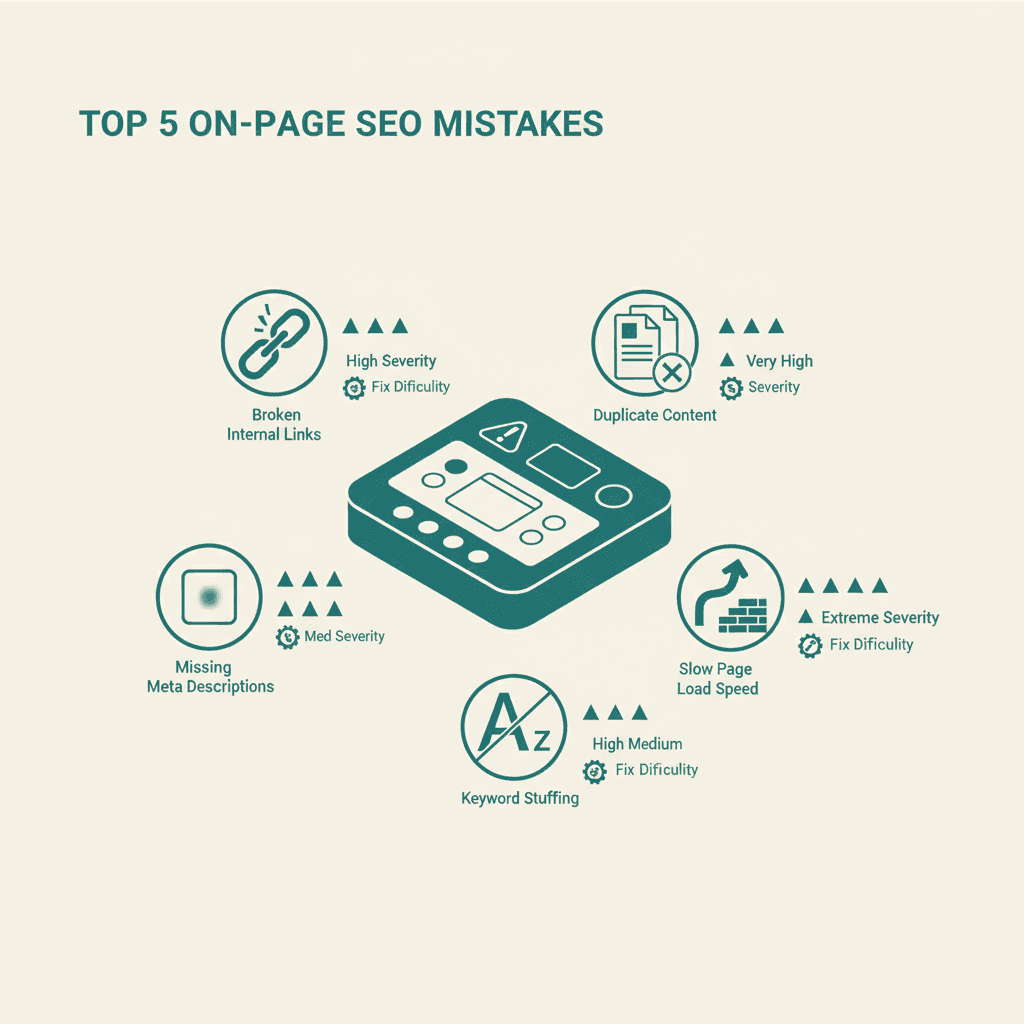
Your title tag is the most direct on-page signal you send to Google about what your page covers. A missing title tag means Google will generate one from your page content — often pulling something generic and unoptimized. A weak title tag wastes the most visible real estate in the SERP.
Common title tag mistakes:
- Over-stuffing with multiple keywords (reads as spam, Google may rewrite it)
- Exceeding 60 characters (Google truncates it in search results)
- Writing the same title for multiple pages (signals duplicate content)
- Burying the primary keyword at the end of the title
- Using vague titles that don't communicate what the page actually delivers
The fix: Write one clear, specific title per page with the primary keyword near the beginning. Keep it under 60 characters. Make it something a human would want to click on.
Mistake 4: Ignoring Meta Descriptions
Meta descriptions don't directly affect rankings, so many site owners deprioritize them. This is a mistake.
Your meta description is what convinces a user to click your result over the four others they see at the same position. A missing meta description forces Google to pull random text from the page — often the wrong text. A generic or keyword-stuffed meta description fails to differentiate your result from competitors.
In Philippine competitive markets where multiple local businesses rank for the same service keywords, the meta description is frequently the deciding factor in which result gets the click.
The fix: Write a unique meta description for every page. Keep it under 155 characters. Describe what the page delivers and include a signal of value or differentiation.
Mistake 5: Poor Heading Structure
Headings organize your content for both users and Google's crawlers. Common heading mistakes include:
- Multiple H1 tags on a single page (confuses Google's topic understanding)
- No H1 tag (misses the clearest on-page topic signal)
- Using heading tags for styling rather than hierarchy (bold text is not an H2)
- Skipping heading levels (H1 then H3, bypassing H2)
- Generic headings that don't describe section content ("Introduction," "Section 2")
Google uses headings — particularly H1 and H2 — to understand the topics a page covers. Clear, descriptive headings also help with passage indexing: Google's ability to rank individual sections of a page for specific queries.
The fix: One H1 per page containing the primary keyword. H2 headings for major sections. H3 for subsections. Every heading should describe what follows it.
Mistake 6: Keyword Cannibalization
Keyword cannibalization happens when multiple pages on your site target the same primary keyword. Google then has to decide which page to rank for that query — and often rotates between them, or chooses neither and ranks both poorly.
This is a common problem on sites that have grown organically over years, particularly blogs with multiple posts on similar topics. In the Philippines SEO space, sites that have published "what is SEO" content five different ways under different titles frequently see none of those pages rank well.
The fix: Audit your content for overlapping keyword targets. Consolidate duplicate pages into a single authoritative page via canonical tags or 301 redirects. Differentiate remaining similar pages by targeting distinct subtopics or intents.
Mistake 7: Zero or Weak Internal Linking
Internal links are how you pass authority between pages on your site and how Google understands the relationship between your content. A page with no internal links pointing to it is an island — it receives no authority from the rest of your site and Google has little context for what it covers.
For the on-page SEO cluster specifically, posts that don't link to each other miss the opportunity to signal topical depth to Google. A site with 10 well-linked posts on on-page SEO topics signals more authority on that subject than the same 10 posts with no connections between them.
The fix: Add 3-5 internal links to every new piece of content. Use descriptive anchor text that tells Google what the linked page covers. Conduct a quarterly internal link audit using a tool like Screaming Frog or Ahrefs to find orphaned pages and add links to them.
For a complete toolkit to catch these issues systematically, see our guide to on-page SEO tools that handle internal link auditing.
Mistake 8: Missing Image Optimization
Images are frequently overlooked in on-page SEO audits. Common image mistakes:
- Missing alt text (Google cannot read images; alt text is the only on-page signal)
- Generic file names ("IMG_4823.jpg" vs "on-page-seo-checklist.jpg")
- Oversized files that slow page load speed and damage Core Web Vitals scores
- Using outdated image formats (JPEG/PNG vs WebP/AVIF)
Alt text also serves accessibility purposes — screen reader users rely on it to understand image content. This is both an SEO and a user experience requirement.
The fix: Write descriptive alt text for every image (describe what the image shows, include keyword only where it's natural). Rename image files descriptively before uploading. Compress all images and convert to WebP format.
Mistake 9: Ignoring Core Web Vitals
Since 2021, Google has used Core Web Vitals as ranking signals. In 2024, Interaction to Next Paint (INP) replaced First Input Delay (FID) as the interactivity metric. Poor scores on LCP, INP, or CLS now have direct ranking implications.
Despite this, many Philippine business websites still score in the "Poor" range on mobile Core Web Vitals, primarily due to unoptimized images, render-blocking scripts, and poor mobile-responsive design.
The fix: Measure your Core Web Vitals in Google Search Console (field data) and PageSpeed Insights (lab data). Address the highest-impact issues: image optimization, removing unused JavaScript, font loading strategy. This work overlaps with technical SEO but has direct on-page impact.
Mistake 10: No E-E-A-T Signals on Content
Google's helpful content evaluation increasingly looks for signals that content comes from genuine expertise. In 2026, pages that read as generic, AI-generated, or written without domain knowledge face ranking suppression regardless of their technical optimization.
E-E-A-T signals that help your on-page SEO:
- Author bio with relevant credentials or experience
- First-person language that reflects actual experience ("In our work with Philippine e-commerce clients...")
- Specific examples, data, or case studies rather than generic statements
- Publication and last-updated dates (kept current)
- Citations to authoritative external sources
This is not about adding a perfunctory author box — it is about ensuring every page reflects real knowledge from a real human perspective.
The fix: Audit your most important pages for E-E-A-T signals. Add author information to bylined posts. Replace generic statements with specific examples drawn from actual experience. Update publication dates when making substantive content revisions.
Running a Systematic On-Page Audit
The best way to catch all of these mistakes across a site is through a structured on-page SEO audit. Automated tools like Screaming Frog, Ahrefs, or SEMrush surface the technical issues. A manual content review catches the intent, quality, and E-E-A-T gaps that software misses.
For sites that haven't had a professional audit, professional SEO services team provides a comprehensive on-page analysis that identifies and prioritizes issues by likely ranking impact — so you know which fixes to make first.
Many on-page errors are caught faster with AI-powered audit tools that flag issues automatically.
Performance-related mistakes often trace back to web design and development choices made during site build.
Avoiding these mistakes is foundational to any effective SEO strategy.
Frequently Asked Questions
What is the most damaging on-page SEO mistake?+
Mismatched search intent is the most damaging, because it prevents ranking regardless of how well everything else is optimized. If your content doesn't match what users and Google expect for a given query, technical perfection won't save the ranking.
How do I know if my site has on-page SEO issues?+
Google Search Console will show you indexing errors, coverage issues, and Core Web Vitals problems. Screaming Frog or Ahrefs Site Audit will surface missing title tags, broken internal links, and duplicate content. For intent and content quality issues, manual review against the actual SERP is necessary.
Does duplicate content really hurt rankings?+
Yes, though the mechanism is more nuanced than a penalty. Duplicate content dilutes your ranking signals across multiple pages rather than concentrating them on one authoritative page. Internal duplicates (your own pages competing with each other) are often more damaging than near-duplicate content from external sources.
Can keyword stuffing still get my site penalized in 2026?+
Keyword stuffing in title tags and meta descriptions triggers Google's rewriting behavior rather than a manual penalty in most cases. In body content, severe keyword stuffing is associated with thin, manipulative pages that Google's Helpful Content system suppresses. The practical risk is the same as a penalty — ranking suppression — even if the mechanism differs.
How often should I audit my on-page SEO?+
A comprehensive audit once or twice a year, with ongoing monitoring of Google Search Console for emerging issues. Pages that have seen ranking declines should be audited and revised promptly. Any page being actively targeted for keyword improvement should be audited before and after optimization.