eCommerce SEO Audit Checklist: 20 Steps for 2026
A complete eCommerce SEO audit checklist covering technical issues, on-page optimization, structured data, and AI-era ranking factors. Updated for 2026 with tool recommendations.

An eCommerce SEO audit is a systematic review of everything that affects how well your online store ranks in search — and how effectively it converts visitors who arrive from search. Without a regular audit, issues accumulate silently: crawl budget wasted on filter URLs, product pages with missing schema, duplicate descriptions copied from manufacturers, and dozens of other problems that quietly suppress your rankings.
This checklist covers 20 audit steps organized by priority tier. Not every item applies to every store, but working through this list will surface the issues with the greatest impact on your organic traffic and revenue.
This audit focuses specifically on the challenges of eCommerce environments. For a broader baseline, the general SEO audit guide covers principles that apply across site types.
How to Use This Checklist
Priority tiers:
- Critical: Resolve immediately. These issues have a direct, significant impact on rankings and indexation.
- Important: Address within 30 days. Meaningful impact on performance.
- Optimize: Address on a rolling basis. Incremental gains that compound over time.
Recommended tools: Screaming Frog, Google Search Console, Ahrefs or Semrush, PageSpeed Insights, Google's Rich Results Test, and your CMS's built-in SEO tooling. A comprehensive list of SEO audit tools covers both free and paid options for each audit category.
Section 1: Crawlability and Indexation (Critical)
Step 1: Audit What Google Is Indexing
Open Google Search Console and check the Pages report. Compare the number of indexed pages against the number of pages you expect to be indexed.
- More pages indexed than expected: you likely have crawlable filter/parameter URLs generating duplicate pages
- Fewer pages indexed than expected: crawl blocks, noindex tags applied incorrectly, or canonical tag misconfiguration
Use Screaming Frog to crawl your site and identify pages with `noindex`, incorrect canonical tags, and crawl blocks in `robots.txt` that should not be there.
Step 2: Audit robots.txt
Fetch `yourdomain.com/robots.txt` and review what is blocked.
Common eCommerce mistakes:
- Blocking `/cart`, `/checkout` — fine
- Accidentally blocking `/collections`, `/products`, or `/category` — catastrophic
- Blocking CSS and JavaScript files Google needs to render your pages correctly
Step 3: Resolve Faceted Navigation Crawl Issues
Filtered URLs — `/shoes?color=red&size=8&sort=price-asc` — can generate millions of crawlable combinations. These dilute crawl budget and create duplicate content at scale.
Solutions by approach:
- Canonical tags pointing filtered URLs back to the base category URL
- JavaScript-rendered filters that do not change the URL
- URL parameter configuration in Google Search Console (legacy, but still effective)
- `robots.txt` Disallow for parameter patterns you do not want indexed
The right solution depends on your platform and whether any filter combinations warrant their own ranking URLs (e.g., "women's running shoes" as a distinct category with sufficient search demand).
Step 4: Check for Duplicate Product Content
Audit for:
- Product variant pages (size/color) that are indexed as separate URLs with near-identical content
- Category pages duplicated across pagination (`/page/2`, `/page/3`) without canonical handling
- Manufacturer descriptions used on multiple sites
Use Siteliner or the Screaming Frog duplicate content report to identify pages with high content similarity.
Section 2: Technical Performance (Critical)
Step 5: Run Core Web Vitals Audit
Use PageSpeed Insights and Google Search Console's Core Web Vitals report. Check field data (real user data) not just lab data — they often differ significantly.
2026 benchmarks to pass:
- LCP (Largest Contentful Paint): under 2.5 seconds
- CLS (Cumulative Layout Shift): under 0.1
- INP (Interaction to Next Paint): under 200ms
For eCommerce sites, the most common LCP culprit is unoptimized hero images and product photography. The most common CLS culprit is late-loading elements (ads, reviews widgets) that push content down after initial load.
If performance issues are rooted in site architecture or platform choices, a web design performance review can identify structural solutions beyond what content-level optimizations can achieve.
Step 6: Audit Mobile Usability
In Google Search Console, check the Mobile Usability report for errors. Common issues:
- Text too small to read without zooming
- Clickable elements too close together (tap targets under 48px)
- Content wider than screen
- Intrusive interstitials blocking content on mobile
Test your highest-traffic product and category pages on actual mobile devices, not just browser emulation.
Step 7: Check HTTPS and Security
All pages should load over HTTPS with no mixed content errors (HTTP resources loaded on HTTPS pages). Use the browser security panel or tools like Why No Padlock to identify mixed content issues.
Section 3: Structured Data and Rich Results (Critical)
Step 8: Audit Product Schema Completeness
This is the highest-impact technical item for most eCommerce sites in 2026. Use Google's Rich Results Test on a sample of your product pages.
Required Product schema fields for rich result eligibility:
- `name`
- `image` (multiple angles preferred)
- `description`
- `brand` (with `@type: Brand`)
- `offers` containing `price`, `priceCurrency`, `availability`, `url`
- `aggregateRating` (if you have reviews)
Missing `availability` or incorrect `price` are the most common validation failures. Ensure your schema reflects live inventory — Google can penalize for inaccurate pricing in rich results.
Step 9: Audit BreadcrumbList Schema
Breadcrumb schema improves how your category paths appear in search results and reinforces site architecture signals for Google. Check that:
- Breadcrumbs are implemented on product and category pages
- The `BreadcrumbList` schema matches the visible breadcrumb on the page
- Each breadcrumb level resolves to a crawlable URL
Step 10: Check for AI Overview Eligibility Signals
AI Overviews increasingly surface product and buying recommendations. Eligibility is not a single switch — it is an outcome of multiple quality signals:
- Complete and accurate structured data (Steps 8 and 9)
- Unique, substantive product copy (not manufacturer boilerplate)
- Strong E-E-A-T signals: about pages, author credentials, business verification in Google Business Profile
- Positive review signals and trust indicators
Audit your top-20 revenue product pages against these criteria.
Section 4: On-Page Optimization (Important)
Step 11: Audit Title Tags and Meta Descriptions
Crawl your site with Screaming Frog and export title tag and meta description data. Flag:
- Missing titles or meta descriptions
- Titles over 60 characters (likely truncated in SERPs)
- Duplicate titles across product pages (common with variant pages)
- Generic or non-descriptive titles ("Product — Store Name" instead of "Sony WH-1000XM6 Wireless Headphones — Free Shipping")
- Meta descriptions over 155 characters
Prioritize fixes on your highest-traffic and highest-revenue pages first.
Step 12: Audit H1 Tags
Every page should have exactly one H1 tag. Common eCommerce H1 issues:
- Product pages using the product name without keyword context ("WH-1000XM6" instead of "Sony WH-1000XM6 Noise Cancelling Headphones")
- Category pages with generic H1s ("Shop" or "Products")
- Multiple H1 tags on a single page (often a theme or template issue)
- H1 and title tag completely mismatched (some mismatch is fine; complete mismatch is a signal problem)
Step 13: Review Product Description Quality
Sample your 50 highest-revenue product pages. For each, assess:
- Is the description unique (not copied from the manufacturer)?
- Does it incorporate the target keyword naturally in the first 100 words?
- Does it address buyer questions and objections?
- Is it over 200 words?
Pages that fail this check should be prioritized for content rewrites. Use this as input for your content calendar.
Step 14: Audit Internal Linking Structure
A well-linked eCommerce site routes authority efficiently and keeps buyers engaged. Run a crawl and identify:
- Orphaned pages (no inbound internal links)
- Product pages linked only from pagination (buried depth)
- Category pages not linking to key subcategories
- Blog posts that mention products but do not link to them
Building systematic internal links from blog content to product and category pages is one of the highest-ROI SEO activities available to content-producing eCommerce stores. See the eCommerce SEO guide for more on how content and product pages should work together.
Section 5: Content Quality (Important)
Step 15: Audit Category Page Content
Category pages without introductory copy rank far below pages with it, all else being equal. Check your top-20 category pages:
- Does the page have a unique introductory paragraph (150+ words)?
- Does the intro incorporate the primary keyword and relevant secondary terms?
- Is the content genuinely helpful to a buyer, or is it obviously keyword-stuffed?
Step 16: Audit for Thin and Duplicate Content
Use Screaming Frog's content analysis report to identify pages with low word count. In eCommerce, thin content commonly appears on:
- Product variant pages
- Paginated category pages beyond page 1
- Tag and attribute archive pages
- Search results pages that have been accidentally indexed
Thin content pages that serve no searcher value should be canonicalized, noindexed, or merged.
Section 6: Off-Page Authority (Important)
Step 17: Audit Your Backlink Profile
Use Ahrefs, Semrush, or Moz to pull your backlink profile. Look for:
- Referring domain diversity (are you relying on a small number of linking domains?)
- Anchor text distribution (over-optimized exact-match anchors can trigger algorithmic penalties)
- Toxic or spammy links that may be suppressing domain authority
- Competitor backlink gap — what are competitors getting that you are not?
Disavow clearly toxic links using Google Search Console's disavow tool, but do so conservatively — over-disavowing can remove beneficial links.
Section 7: AI-Era Audit Items (2026) (Optimize)
Step 18: Audit for Voice Commerce Keyword Coverage
Review your highest-volume category and product pages for question-based keyword coverage. "How much does," "where can I buy," "what is the best" queries are growing as voice commerce matures.
Add FAQ sections with schema to product and category pages where relevant. These create eligibility for voice answer results and AI-generated summaries.
Step 19: Audit Headless Commerce Technical SEO (If Applicable)
If your store runs on a headless architecture (Shopify Hydrogen, Next.js Commerce, custom composable stack), verify:
- JavaScript rendering: confirm Google can render and index your pages by inspecting the rendered HTML in Search Console's URL Inspection tool
- Canonical handling across CDN layers
- Sitemap generation is dynamic and reflects live inventory
- Structured data is rendered in the final HTML, not only in a JavaScript bundle
Step 20: Review Local and Multilingual SEO (Philippines Context)
For Philippine eCommerce stores serving multiple regions or languages:
- Is your primary language correctly declared in the `<html lang>` attribute?
- If you serve both English and Filipino content, are `hreflang` tags implemented correctly?
- Is your Google Business Profile claimed, verified, and accurate?
- Are local intent keywords ("free delivery Manila," "COD Philippines") incorporated where naturally appropriate?
After the Audit: Prioritizing What to Fix
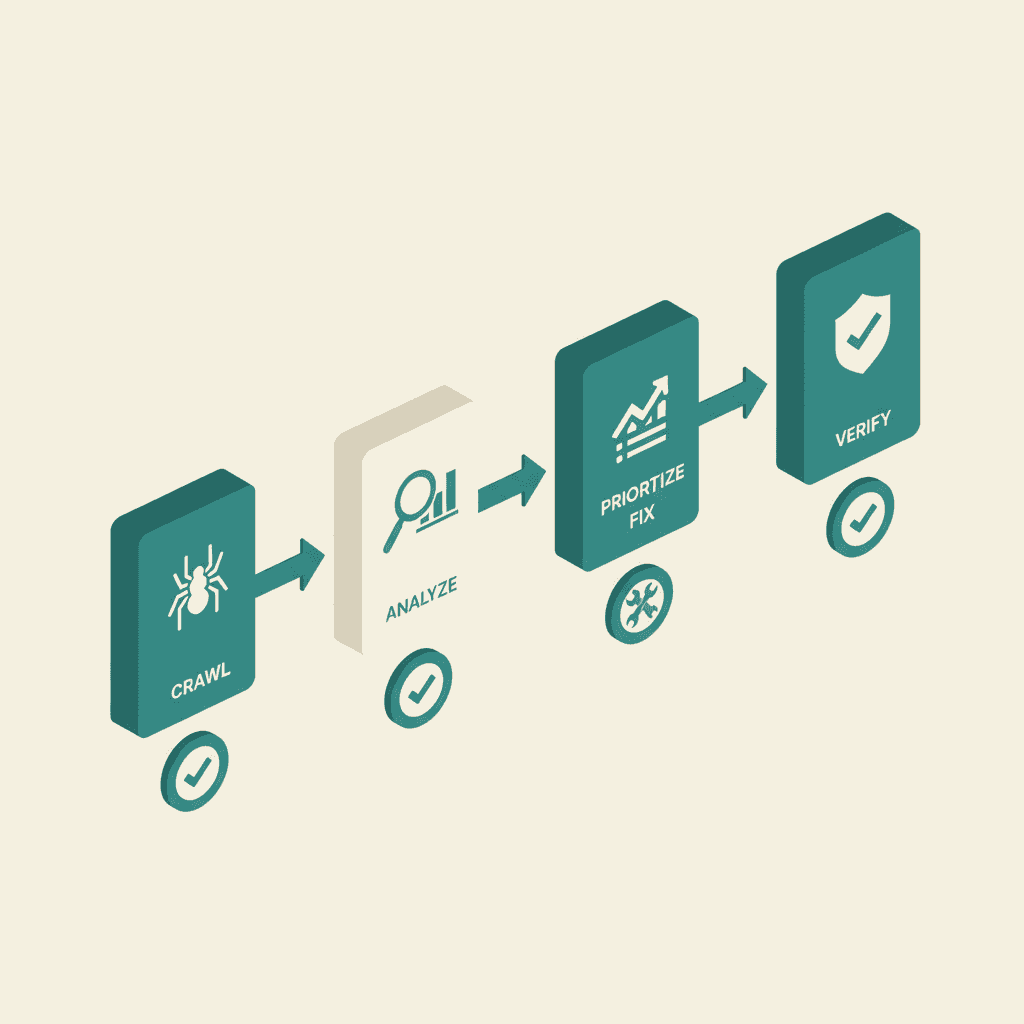
An audit without a remediation plan is just a list of problems. After completing this checklist:
- Categorize every finding as Critical, Important, or Optimize
- Estimate the effort required and potential revenue impact for each item
- Build a sprint-based remediation schedule: Critical items in sprint 1, Important items in sprints 2-3, Optimize items on a rolling roadmap
- Set baseline metrics before starting: organic traffic, organic revenue, target keyword positions
- Measure again at 30, 60, and 90 days
Running this audit yourself is achievable with the right tools. If the scope of issues found requires more resource than ya qualified team has available, professional SEO services team conducts comprehensive eCommerce audits and manages the full remediation process.
Auditing AI-generated content is emerging as a discipline within AI-driven SEO practices.
Frequently Asked Questions
How often should I run an eCommerce SEO audit?+
A full technical audit should happen at minimum once per year, and after any major site changes: platform migrations, theme updates, catalog restructuring, or URL changes. A lighter monthly check of Search Console data — indexation errors, Core Web Vitals, and manual actions — catches new issues before they compound.
What tools do I need for an eCommerce SEO audit?+
At minimum: Google Search Console (free, essential), Screaming Frog (free for up to 500 URLs, paid for larger sites), and Google's Rich Results Test (free). For backlink analysis and keyword tracking, Ahrefs or Semrush are the industry standards. A full rundown of options is available in [SEO audit tools guide](/blog/seo-audit-tools).
What is the most common eCommerce SEO issue found in audits?+
Faceted navigation generating thousands of crawlable duplicate URLs is the single most common and impactful issue. It wastes crawl budget, dilutes page authority, and creates duplicate content problems simultaneously. It is also entirely fixable with the right canonical or parameter handling configuration.
How long does an eCommerce SEO audit take?+
A DIY audit of a 1,000-SKU store takes approximately 10-20 hours to conduct thoroughly, not counting remediation time. A professional agency audit typically takes 3-5 business days for the analysis, plus a detailed report with prioritized recommendations.
Can I run an eCommerce SEO audit myself or do I need an agency?+
You can conduct most of this checklist yourself with free and low-cost tools. Technical items (structured data implementation, crawl configuration, Core Web Vitals fixes) often require developer involvement regardless of who identifies the issues. An agency audit adds value through benchmarking against competitors, identifying strategic opportunities, and providing a prioritized roadmap based on experience with similar stores.