Mobile SEO: How to Optimize Your Site for Mobile-First Search
Google ranks your mobile site first. If your mobile experience is slow, broken, or frustrating, your rankings suffer — regardless of how good your desktop site is.

If you are still thinking of mobile optimization as something to address after your desktop site is polished, your priorities are backwards. Since 2023, Google has used mobile-first indexing universally — meaning the mobile version of your site is what Google actually evaluates when deciding how and where to rank you.
In the Philippines, where over 85% of internet users access the web primarily via mobile, this is not a nuance. It is the default user experience. Optimizing for mobile is optimizing for your actual audience.
This guide covers what mobile SEO involves, why it matters in 2026, the specific technical and content factors that affect mobile rankings, and how to prioritize improvements.
What Is Mobile SEO?
Mobile SEO is the practice of optimizing your website to perform well on smartphones and tablets — both for users and for search engines.
It overlaps significantly with general on-page SEO and technical SEO, but mobile-specific factors include:
- How your site renders and performs on small screens
- Page load speed on mobile networks (3G, 4G, 5G)
- Touch target sizing and navigation usability
- Content accessibility without zooming or horizontal scrolling
- Google's mobile-specific ranking signals (Core Web Vitals, intrusive interstitials)
Understanding the full scope of what SEO involves helps clarify how mobile SEO fits within an overall strategy — it is not a separate discipline but a lens applied to all three SEO pillars.
Google's Mobile-First Indexing: What It Means
Mobile-first indexing means Google primarily uses the mobile version of your content for indexing and ranking. This was a gradual rollout that became universal in 2023 and remains policy in 2026.
Practical implications:
- If your mobile site has less content than your desktop site, Google sees only the mobile version. Thin mobile content means thin rankings.
- If your mobile site loads slowly, that affects your rankings — not just your user experience.
- If certain content is hidden on mobile (behind accordions, tabs, or "show more" elements), Google may still index it, but engagement signals from mobile users affect how it ranks.
The key action item: treat your mobile site as your primary site, not a reduced version of your desktop experience.
Core Web Vitals: Google's Mobile Performance Standard
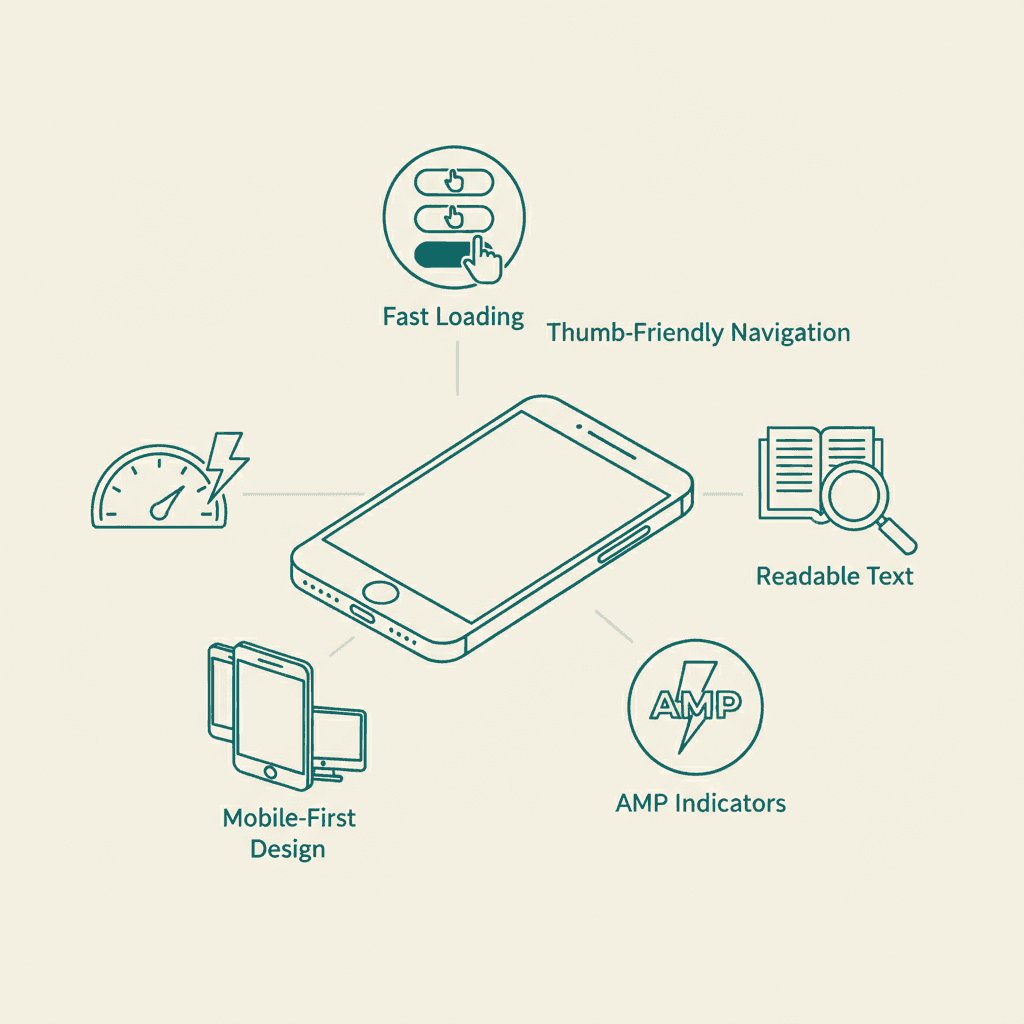
Google's Core Web Vitals are a set of user experience metrics that directly affect rankings. They are measured primarily on mobile. As of 2026, the three metrics are:
Largest Contentful Paint (LCP)
Measures how quickly the main content of a page loads. Good LCP is under 2.5 seconds. Poor LCP (over 4 seconds) is a ranking risk.
Common causes of poor LCP: unoptimized images, slow server response, render-blocking resources.
Interaction to Next Paint (INP)
Replaced First Input Delay in 2024. Measures overall responsiveness — how quickly your page responds to all user interactions. Good INP is under 200 milliseconds.
Common causes of poor INP: heavy JavaScript execution, complex animations, unoptimized event listeners.
Cumulative Layout Shift (CLS)
Measures visual stability — whether page elements jump around as the page loads (e.g., an ad loading and pushing content down). Good CLS is under 0.1.
Common causes of poor CLS: images without defined dimensions, ads without reserved space, web fonts loading late.
You can check your Core Web Vitals in Google Search Console under "Page Experience" or via Google's PageSpeed Insights tool. Prioritize fixing "Poor" status pages before "Needs Improvement" pages.
Mobile Page Speed: The Dominant Factor
Page speed is the single most impactful mobile SEO factor for most sites. Mobile users on cellular networks are more sensitive to load times than desktop users, and Google weights mobile speed heavily in its page experience signals.
Steps to improve mobile page speed:
Optimize images. Images are the largest contributor to page weight on most sites. Use modern formats (WebP, AVIF), compress files, and implement lazy loading so off-screen images do not block initial page render.
Eliminate render-blocking resources. CSS and JavaScript files that load before the page renders delay Largest Contentful Paint. Defer non-critical scripts and inline critical CSS.
Use a content delivery network (CDN). A CDN serves your static assets (images, scripts, stylesheets) from servers geographically close to each user, reducing latency significantly for Philippine visitors connecting from outside Metro Manila.
Reduce server response time. Choose a hosting provider with servers in or close to the Philippines, or use a CDN that routes to regional infrastructure.
Minimize third-party scripts. Analytics tools, chat widgets, ad scripts, and social embeds all add load time. Audit every third-party script and remove what is not delivering value.
These improvements often require collaboration with yweb design and development team, but the SEO impact is significant.
Responsive Design vs. Separate Mobile Sites
Google recommends responsive design — a single URL that adapts its layout based on screen size — as the preferred approach for mobile SEO.
Separate mobile sites (m.subdomain.com) create duplicate content management challenges, require careful canonical tagging, and can cause indexing confusion.
If you are running a separate mobile site, the configuration issues it creates are worth addressing as part of a technical SEO project. Migrating to a responsive design is almost always the right long-term choice.
Mobile UX Signals That Affect Rankings
Beyond raw speed, Google's ranking system incorporates signals about how users behave on your mobile pages. Poor mobile UX that causes users to immediately leave and return to the search results ("pogosticking") signals that your page did not satisfy the query.
Key mobile UX factors:
Touch target sizing. Buttons, links, and interactive elements should be large enough to tap without accidentally hitting adjacent elements. Google recommends a minimum tap target size of 48x48 pixels.
Readable fonts without zooming. Base font sizes under 16px require users to zoom in to read. This degrades experience and is penalized in Google's mobile usability report.
No horizontal scrolling. Content that extends beyond the viewport width forces users to scroll sideways — a clear usability failure on mobile.
No intrusive interstitials. Full-screen popups that appear immediately on page load — before users can access content — are penalized by Google's mobile ranking algorithm. This applies to cookie consent banners that obscure the full page, newsletter signup popups, and app install prompts.
Mobile SEO and Local Search in the Philippines
Mobile SEO and local SEO are deeply connected. Most "near me" searches happen on mobile, and Google Maps is the primary local discovery tool for Filipino consumers.
If your site performs poorly on mobile, your local search visibility suffers doubly: you lose both the organic ranking value from mobile performance signals and the practical usability factor for users who find you via Google Maps and then visit your site.
For any business serving local customers in the Philippines, mobile SEO is not optional — it is the foundation of your local search strategy.
AI Overviews on Mobile
Google's AI Overviews render primarily on mobile search. For many informational queries, mobile users now see an AI-generated answer before any organic results.
Content that earns AI Overview citations — through clear structure, direct answers, and demonstrated expertise — gains visibility that can offset some of the click-through rate decline that AI Overviews have caused for traditional organic results.
This makes mobile-optimized, well-structured content even more valuable: it serves users better on mobile, ranks better in traditional results, and is more likely to be cited in AI Overviews.
Mobile SEO Checklist
Use this checklist to audit your mobile SEO position:
- [ ] Responsive design implemented across all pages
- [ ] Core Web Vitals in "Good" range (check Search Console)
- [ ] LCP under 2.5 seconds on mobile (test with PageSpeed Insights)
- [ ] Images compressed and in WebP/AVIF format
- [ ] No render-blocking resources on critical pages
- [ ] Font sizes 16px or larger for body text
- [ ] Touch targets 48x48px or larger
- [ ] No intrusive interstitials on page load
- [ ] No horizontal scrolling on any page
- [ ] Content parity between mobile and desktop versions
- [ ] Google Search Console shows no Mobile Usability errors
Mobile optimization starts with responsive web design — sites built mobile-first perform better across all metrics.
Mobile search behavior also influences broader SEO strategy, from keyword targeting to content formatting.
Businesses investing in mobile SEO often pair it with social media marketing since mobile users frequently discover brands through social channels.
Frequently Asked Questions
What is mobile-first indexing?+
Mobile-first indexing means Google uses the mobile version of your website as the primary basis for how it crawls, indexes, and ranks your pages. It became universal in 2023. If your mobile site is inferior to your desktop site in content or performance, your rankings reflect the mobile version.
Does having a mobile app replace the need for mobile SEO?+
No. A mobile app does not appear in web search results. Your website needs to be optimized for mobile regardless of whether you also have an app. Many app-first companies neglect their web presence and lose organic traffic as a result.
How do I check if my site is mobile-friendly?+
Use Google's PageSpeed Insights, Google Search Console's Mobile Usability report, or simply view your site on a real smartphone. Look for text that requires zooming, buttons that are hard to tap, and elements that extend beyond the screen edge.
What is the fastest way to improve mobile performance?+
Optimizing images (compression + WebP format + lazy loading) is usually the single highest-impact action for most sites. Start there before addressing JavaScript optimization or CDN implementation.
Does page speed affect mobile and desktop rankings separately?+
Google evaluates page speed primarily from mobile. However, given that mobile-first indexing applies universally, improving mobile speed improves your overall search performance. Desktop speed improvements help user experience but carry less direct ranking weight.